HARDWARE
MOM proudly provides total document solutions for its clients, increasing workflow efficiency, heightening overall business productivity and minimizing waste.
Bottom line: We save our clients time and money.
As advances in technology render current systems in the market obsolete, MOM stays on top of the latest improvements in technology so that we can continue providing you the best solutions available. From multifunction copiers to printers, black and white to color, production to desktop, MOM offers an extensive selection of the most innovative office technology solutions to fit your needs.
To view our complete product library, please click on the button below.
Tell Me More!
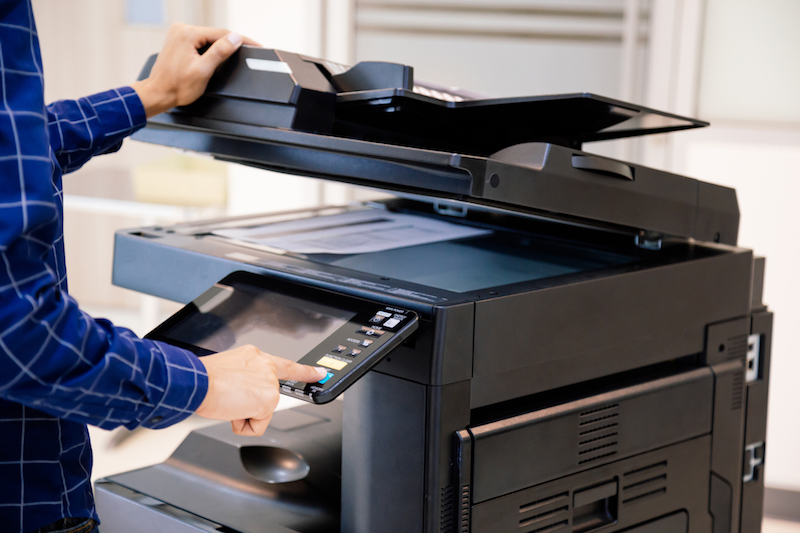
Multi-Function Devices
Consider the versatile print, copy, scan, and fax functionalities of Multi-Functional Devices. These all-in-one machines negate the need for multiple devices to fill each of its functions. Couple that with the MFP’s ability to facilitate your mobile team’s commands from anywhere in the world from their smartphones or laptops with options like “Print from Cloud,” and the MFP can be a game changer for your office.
Scanners
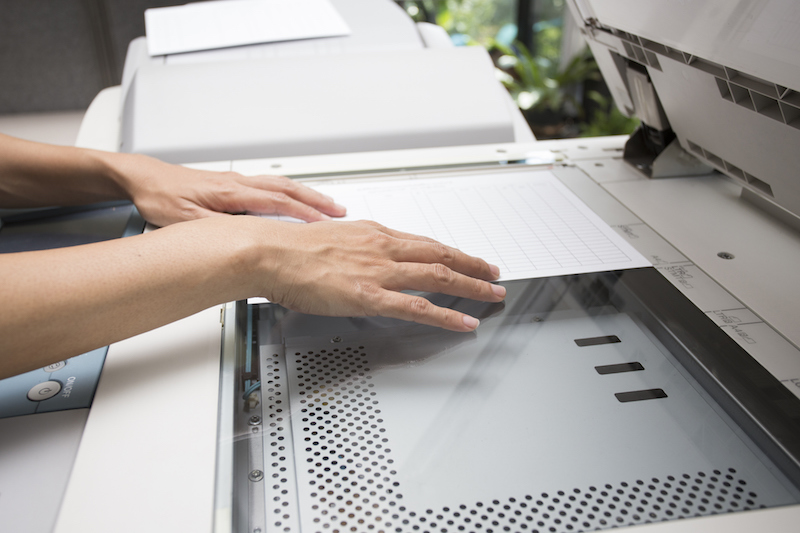
MOM offers a broad portfolio of document scanner options for desktop, work group, departmental, and production-level application needs. Whether you need to scan standard or over-sized paper documents, IDs of passports, large batches or small, MOM has a document scanner to fit virtually every need.
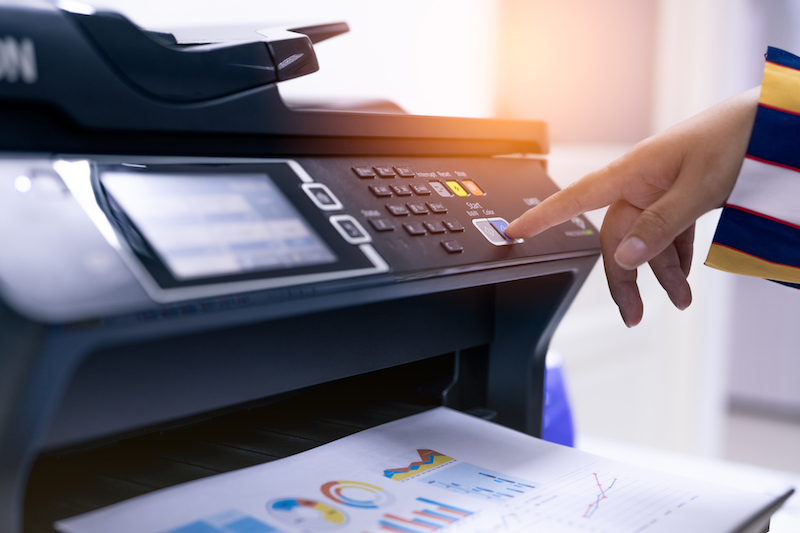
Printers
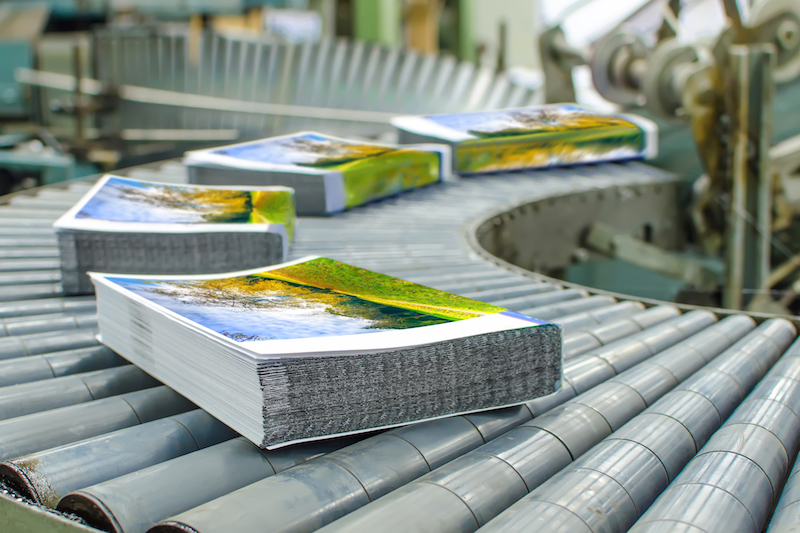
Production Print
Production Finishing
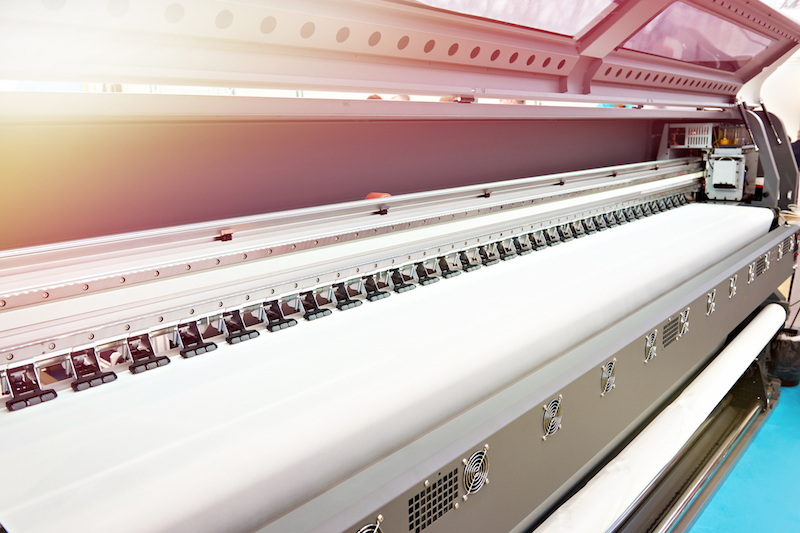
Wide Format Solutions
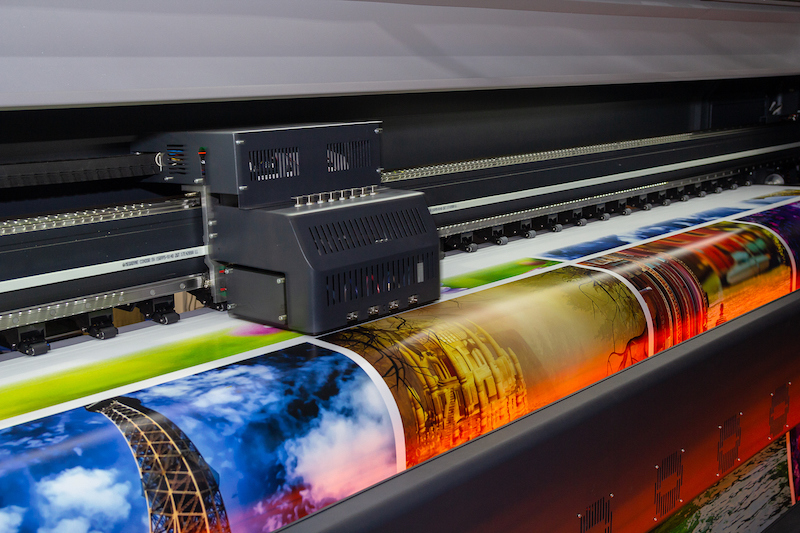
Some projects cannot be contained to an 8.5” x 11” sheet of paper. Rather, these projects require larger outputs, such as blueprints and engineering sketches, marketing and advertising materials, and even large signs for hospitals and schools. If you find yourself producing large format print jobs regularly, it may be time to consider avoiding the inflated expense and time required to outsource these jobs and bring a wide format printer in-house.
Data and HDD Security
Encryption
Encryption scrambles the data on the hard drive so it only can be read by particular software. Digital copiers and printers that offer encryption encode the data stored on the hard drive so that it cannot be retrieved even if the hard drive is removed from the machine. Some units even offer encryption for data in transit, which means that all communication to and from the device can be encrypted (scan jobs, print jobs, etc.).
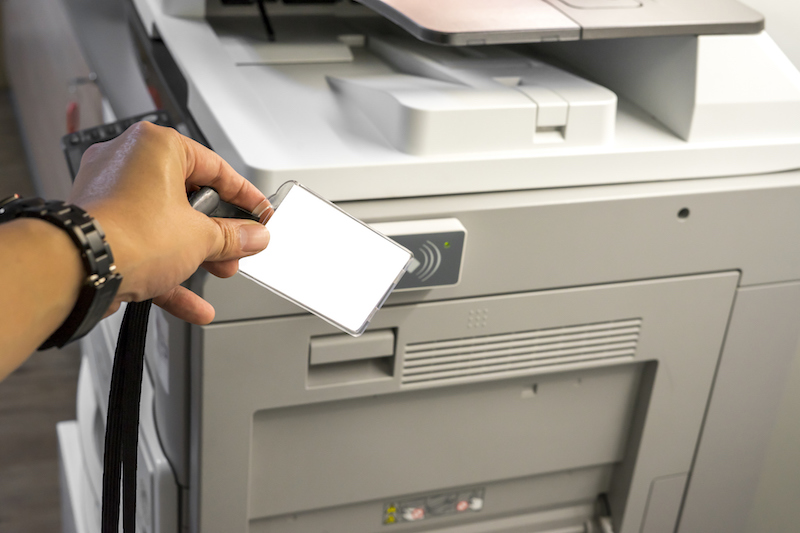
Authentication Solutions
MOM’s office products have a number of options that can be used to ensure that only approved walk-up and network-based users can access the device and its functions, such as copy, print, scan, and fax. Beyond limiting access to only authorized users, authentication also provides the ability to control usage of color output and total counts by the department and/or users.
Below are authentication methods that your office can employ to protect your confidential documents:
- Department ID
- Universal Login Manager (Canon)
- User Authentication
- Follow-You Printing Rules
Technology Partners